The face
Text Size
Small text on the face starts larger than the system size. It grows with the Text Size setting of your watch.
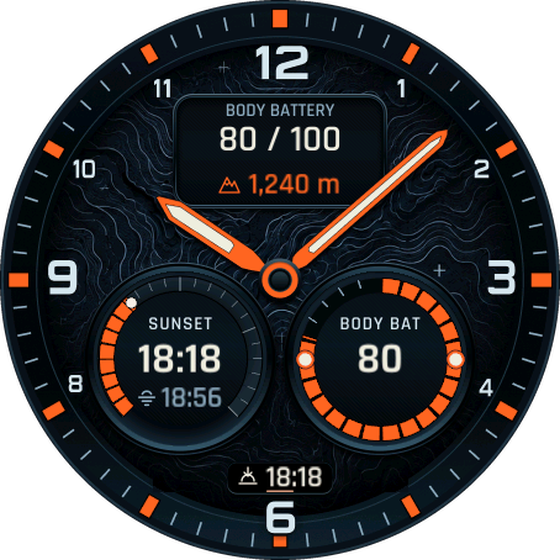
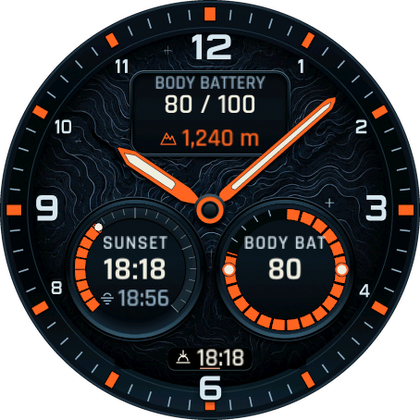
Left: default Text Size. Right: the largest Text Size. Values keep their size.
What grows
| Text | Default | Largest |
|---|---|---|
| Compact rows, Digital rows and dial context lines | 120 % | 135 % |
| Captions | 100 % | 135 % |
| Values | 100 % | 100 % |
The positions of zones, dials and scales do not change. Only the text grows.
A Text Size below the default changes nothing. The face text never shrinks.
AMOLED and MIP
- AMOLED watches scale small text in small steps.
- MIP watches have two sizes: 120 % up to a system size of 105 %, then 135 %. MIP captions stay at 100 %.
- Watches without the Text Size setting use the default sizes.
Larger text, shorter forms
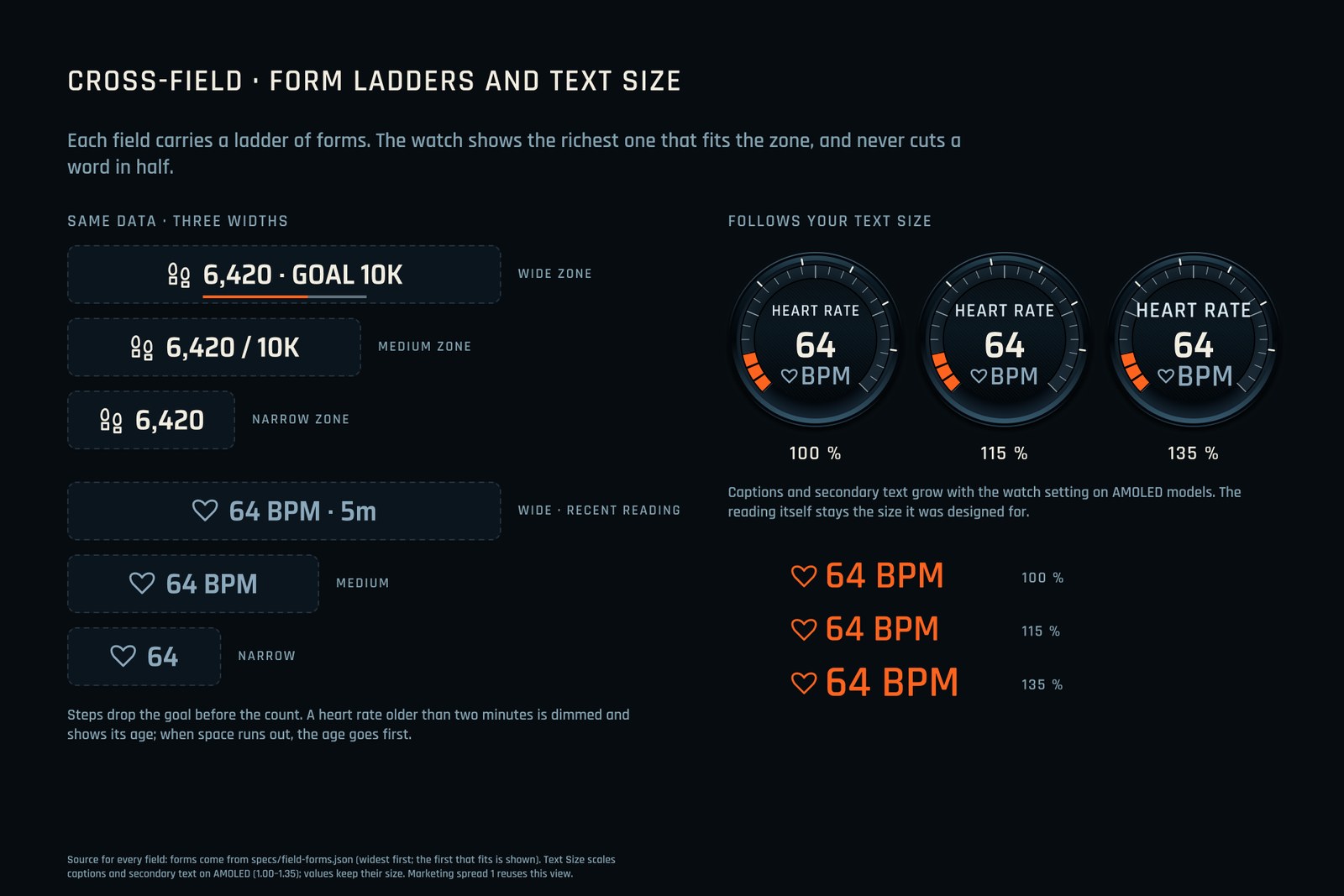
Larger text needs more space. A field then drops its context earlier. Nothing overlaps.
For example, Sunrise in a row goes through these forms:
5:49 AM +1D · LOC 23h5:49 AM +1D5:49 +1D5:49
When a change shows
A new Text Size shows the next time the face comes back, for example after you leave the settings.