The face
Styles
Topo Vector has two styles: Analog and Digital. The watch editor calls the first one Analogue.
Both styles use the same five zones. When you change the style, every field stays where it is.
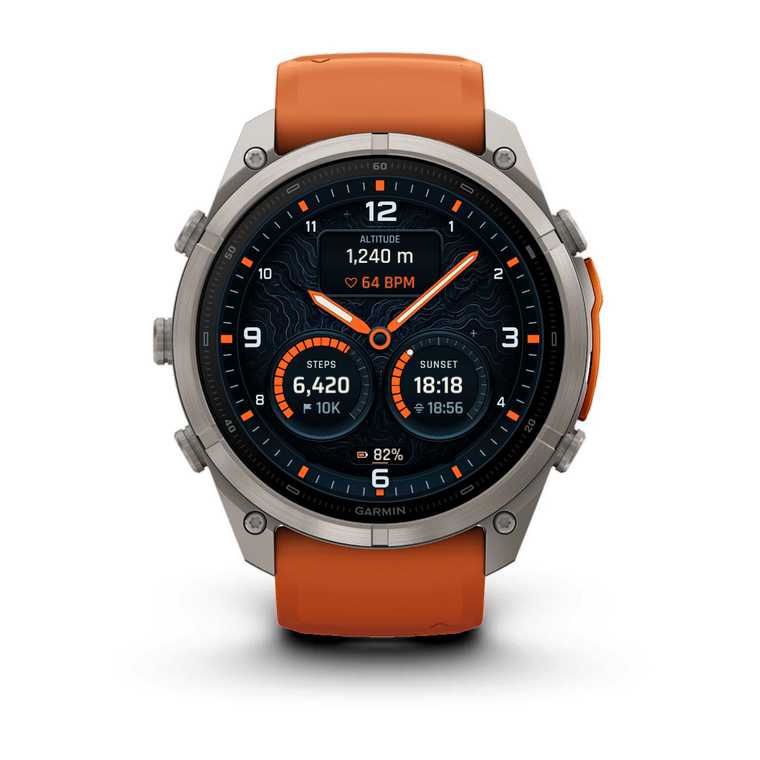
Analog
Analog shows an hour hand and a minute hand on a topographic dial. It has no seconds hand.
The numerals 7 and 5 show only when the dial next to them is empty. A dial in that zone covers the numeral.
Digital
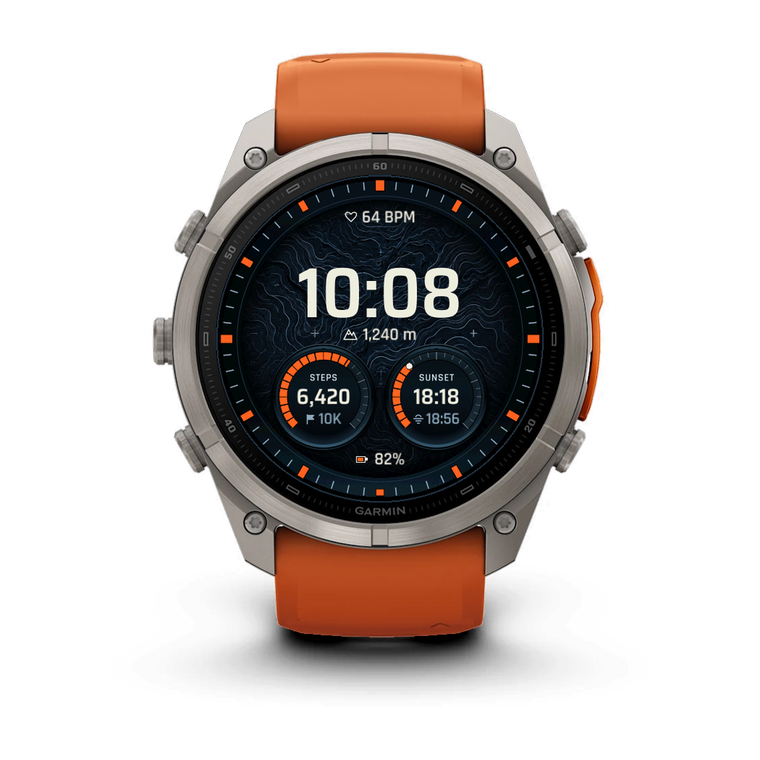
Digital shows the time in large digits. It follows the time format of your watch.
- 24-hour format:
17:42. - 12-hour format:
5:42and a line withAMorPM.
When a dial holds a field, the time moves up to make space. With both dials empty, the row below the time moves down.
One setup for both styles
The two styles share the five field assignments. When you change the style, each field stays in its zone.
The zones have a different position in each style. See Zones for the map.
AMOLED and MIP displays
Both styles work on AMOLED and MIP displays. MIP displays have fewer colors, so the face uses a simpler palette there.
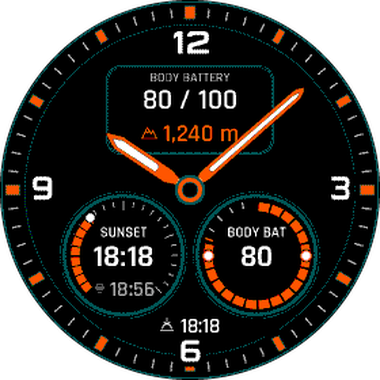
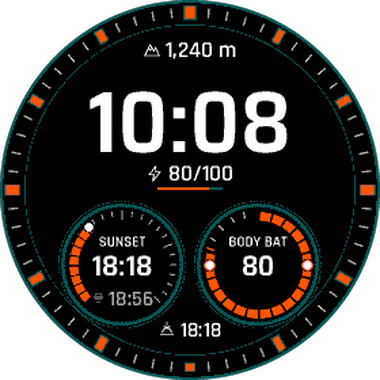
See Devices and testing for the display of each watch.