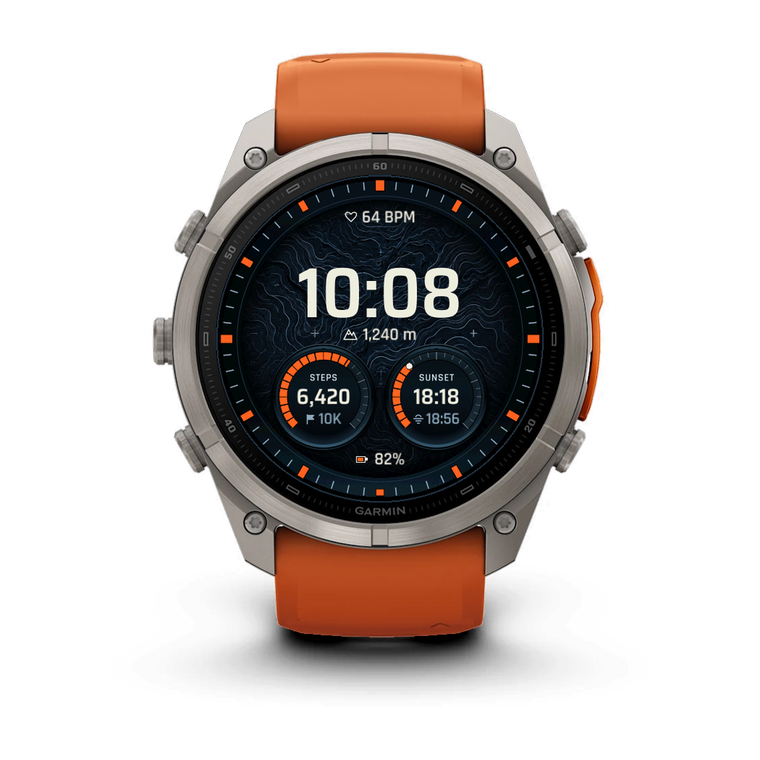
Garmin watch face
Topo Vector
The watch face that shows how fresh your data is.
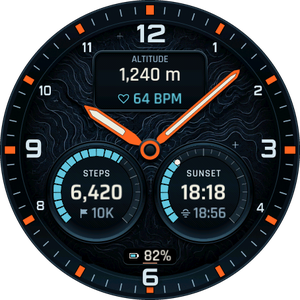
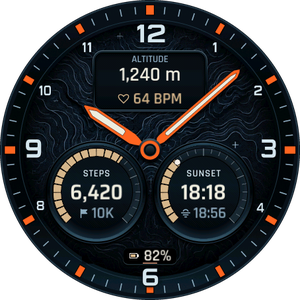
Put any of eight fields in five zones, in Analog or Digital. Each value fits its zone and shows its age when it gets old.
Build your faceFind your watch
Works on 15 Garmin watch models with Connect IQ 4.2 or later.
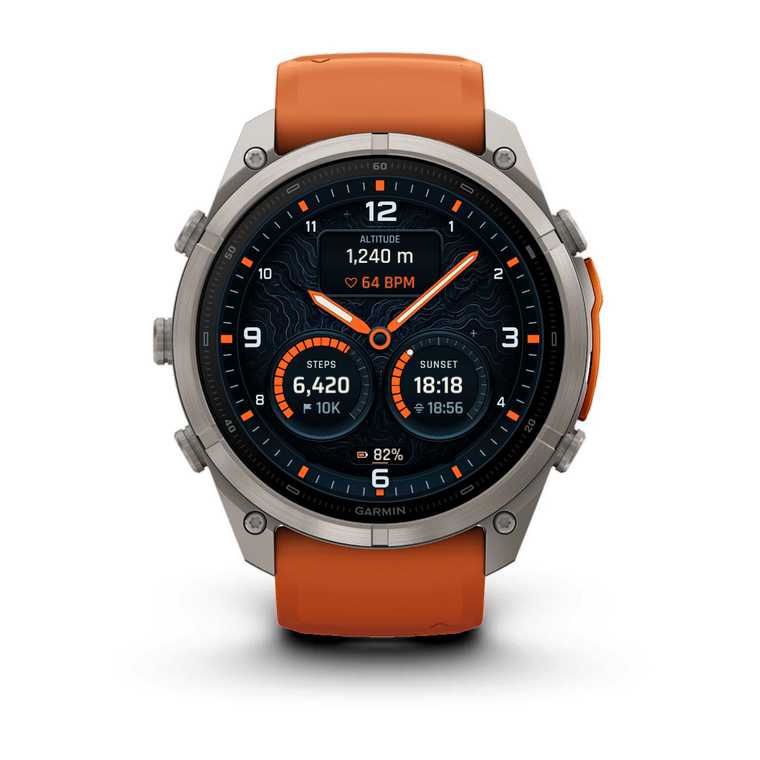
Try the face
Pick a zone, then a field. The watch shows the real result at once.
Build your face
Pick a zone, then a field
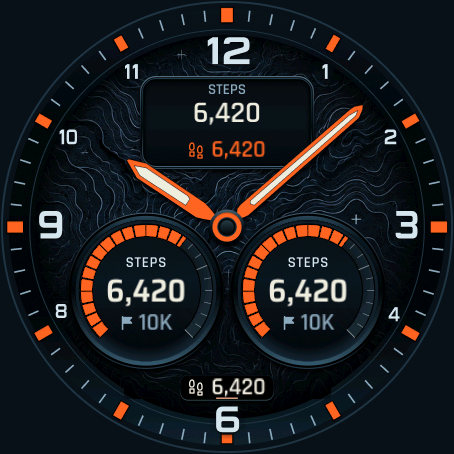

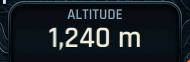
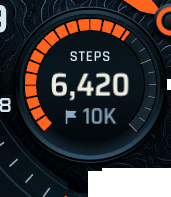
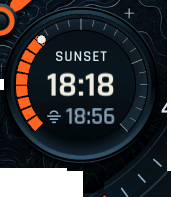



The builder shows the default colors. You can change the Accent and the Data Color too: Colors.
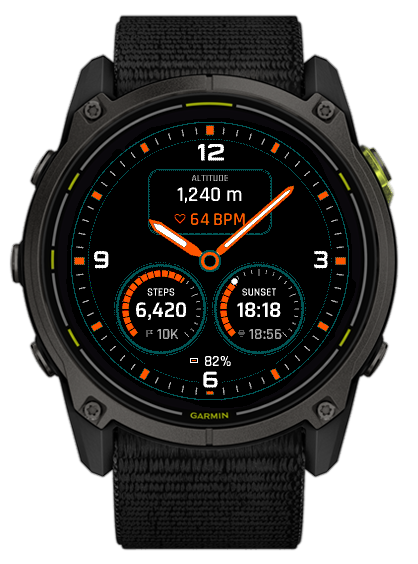
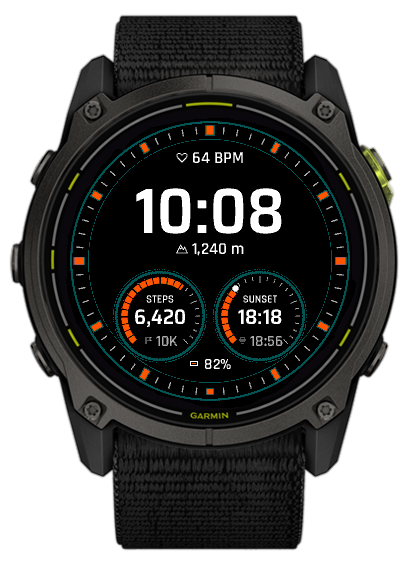
Made for MIP too
MIP watches, like enduro 3 and fēnix 8 Solar, get their own artwork in the colors that MIP can show.
MIP displays are always on. The full face with all fields stays on the screen, also in low power, and you can still hold a field.
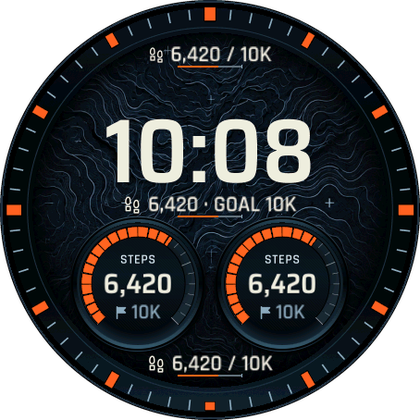
Fields that fit their zone
Each field has a set of forms, from long to short. The face measures the free space and draws the longest form that fits.
A wide zone shows 12,345 · GOAL 10K. A narrow zone shows 12,345. Text never overlaps.
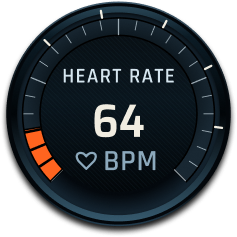
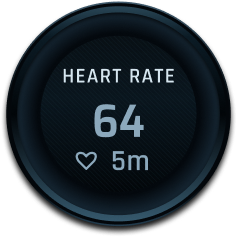
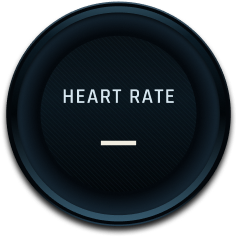
Honest states
A live reading shows in full color. An old reading is dimmed and shows its age, for example 72 BPM · 5m.
When the watch has no reading, the field shows —. The face never shows an old value as a live value.
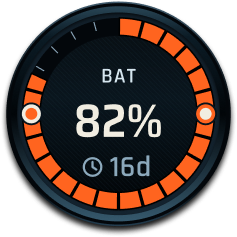
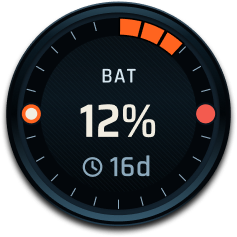
Every mark has a meaning
The small fittings on the Level Ring show state. The left fitting lights while the battery charges. The right fitting turns red when the level is low.
A green halo shows charging. On Heart Rate, five notches show where your zones start.
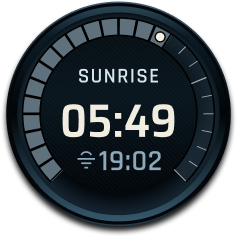
Sun Cycle
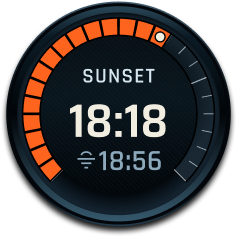
Sun Cycle shows the next sunrise or sunset. Its dial fills with the daylight that has passed today.
The dial also shows last light, when civil twilight ends. The watch calculates all sun times itself.
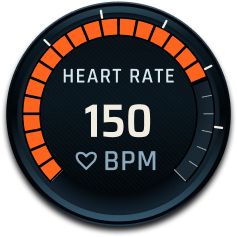
Heart rate zones
The Heart Rate dial shows your pulse on an arc from your resting heart rate to the top of zone 5.
The face reads the zones from your Garmin user profile.
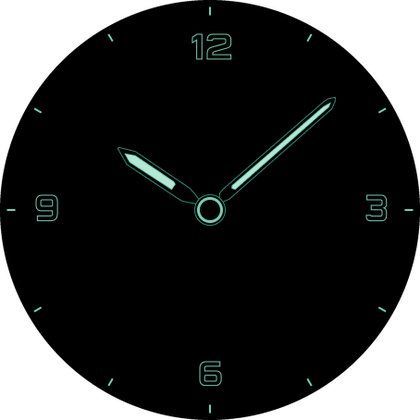
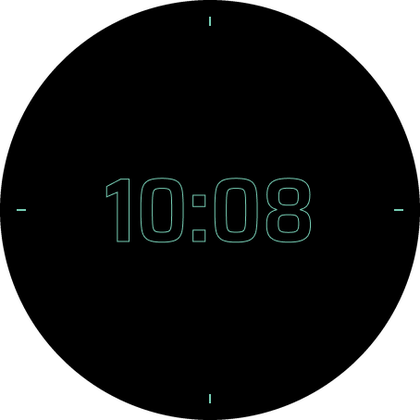
Always-on in both styles
On AMOLED watches, the Always-on display uses a calm Lume look in both styles. It uses little power and reads no data.
When you raise your wrist, every field shows a fresh reading.
Your colors
Accent colors the hands and marks. Data Color colors the arcs, rings and rails. You set the two colors separately.
AMOLED watches have nine colors. MIP watches have seven.
What makes it different
Adaptive forms
Each field knows the width of its zone. It drops context before it drops the value.
No false data
Old readings show their age. Missing readings show —. Marks show only real samples.
Same zones, two styles
Analog and Digital share one setup. A style change keeps every field.
Readable text
Small text starts larger than the system size. It grows with the Text Size setting of the watch.
Touch and hold
Hold a field to open its Garmin screen. Back returns you to the face.
Your data stays on the watch
The face sends no data. It does not switch on GPS.